 Culture Finance
Invoices that add up
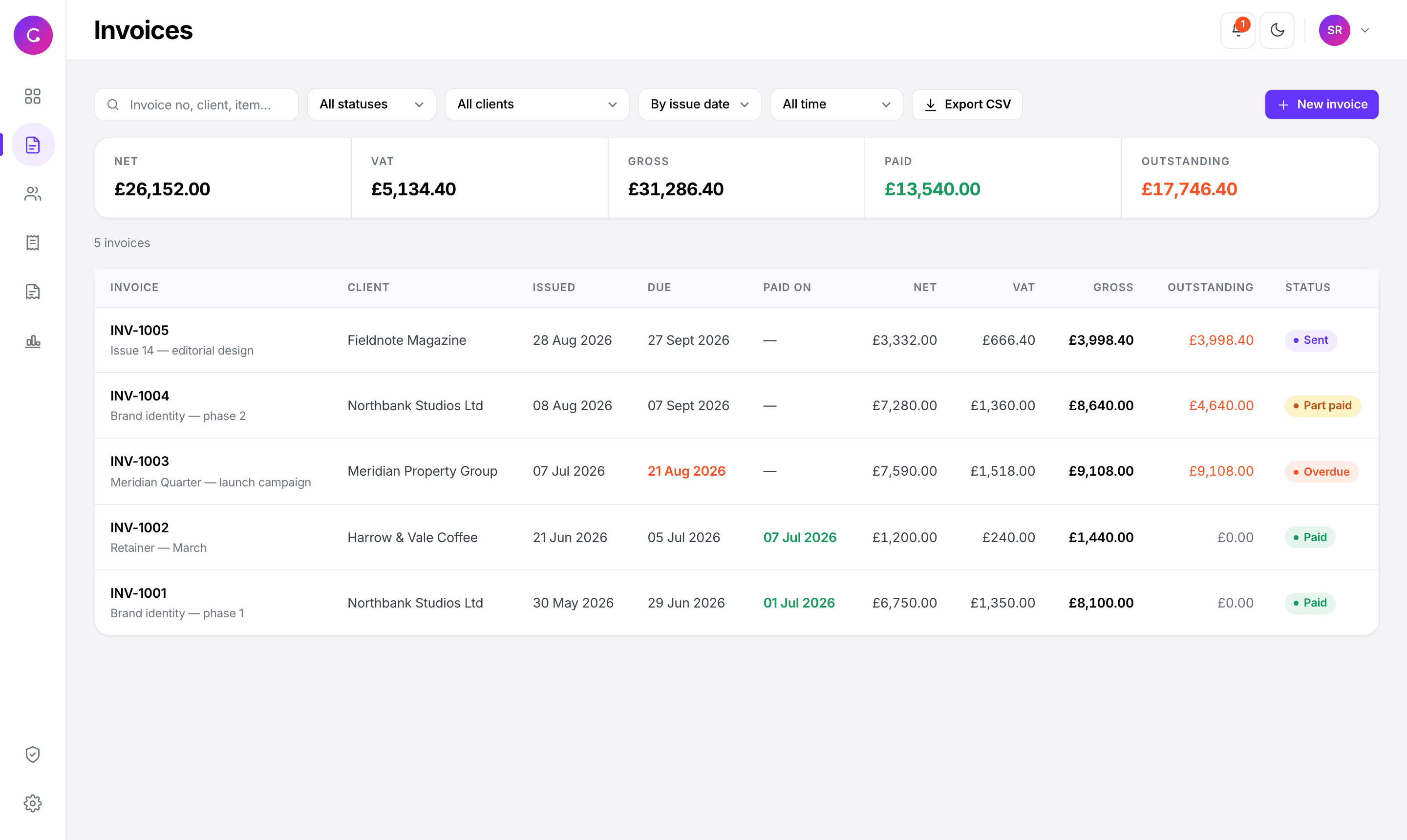
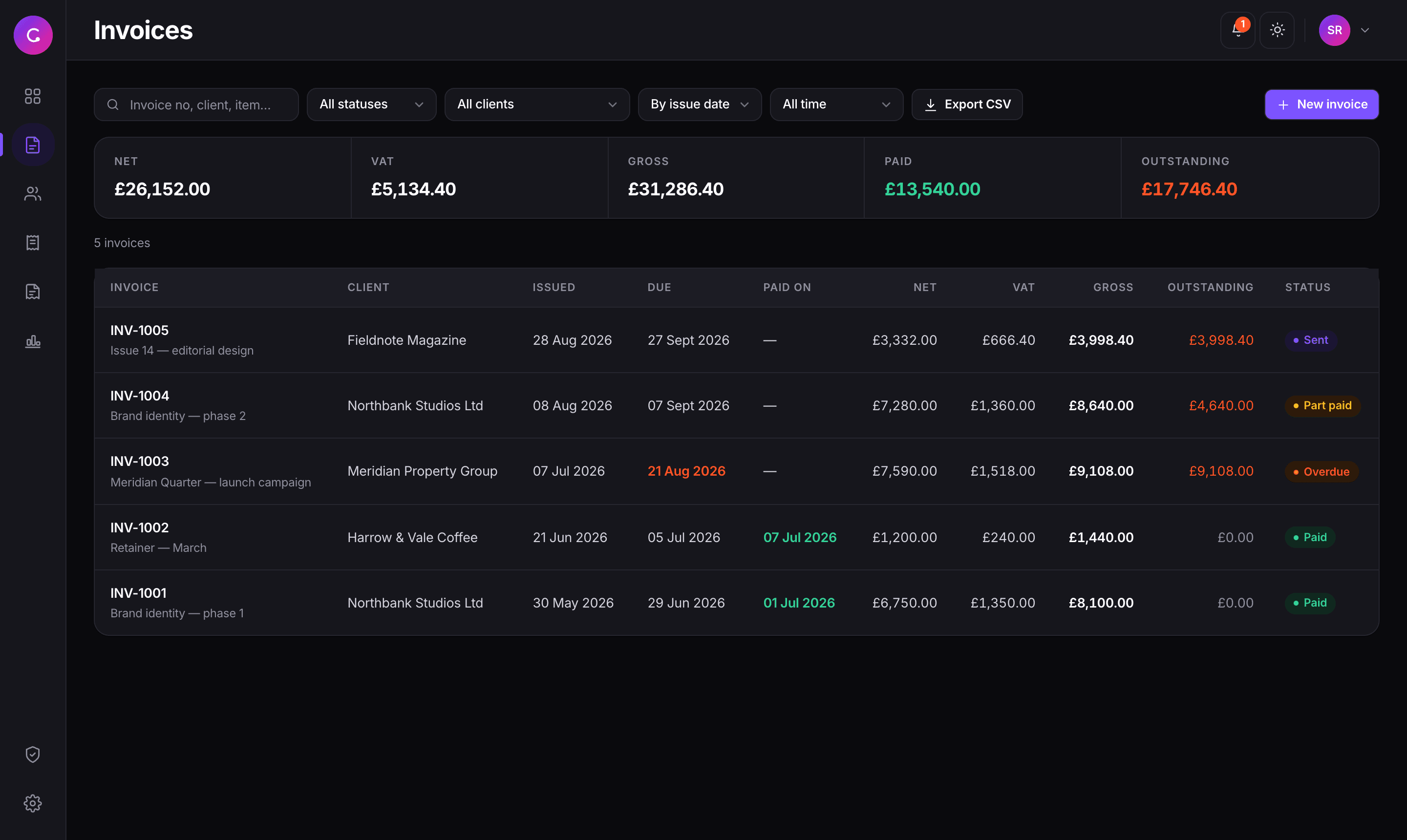
Multi-line invoices with per-line VAT and live totals. Draft becomes sent, part paid, then paid on its own, and anything past its due date flips to overdue without you touching it.
Culture Finance is a complete invoicing system you run yourself. Send invoices clients can open without an account, chase the late ones automatically, file receipts against bills, and see exactly what you’re owed, what you owe and what’s left - from figures you can check line by line.
£0
Per month, per user, forever. It runs on your machine.
8
One-click CSV exports, each carrying your filters.
4
Date bases to slice by, issued, due, paid, or any custom range.
100%
Of your invoices, clients and receipts stay on your own disk.
What it does
Built around the jobs that actually take your time: getting the invoice out, getting it paid, and knowing where you stand when the quarter closes.
Multi-line invoices with per-line VAT and live totals. Draft becomes sent, part paid, then paid on its own, and anything past its due date flips to overdue without you touching it.
Set a reminder on any invoice or bill. Anything due shows a count in the header and a card on the dashboard, and one click sends a chase email with the balance and exactly how late it is.
Log what you owe, upload the receipt as a photo or PDF, and attach it to the bill. Linked receipts are excluded from expense totals, so the same cost never counts twice.
Output VAT, input VAT and the net position, with every transaction that produced the number listed underneath. Export the working paper and hand it straight to your accountant.
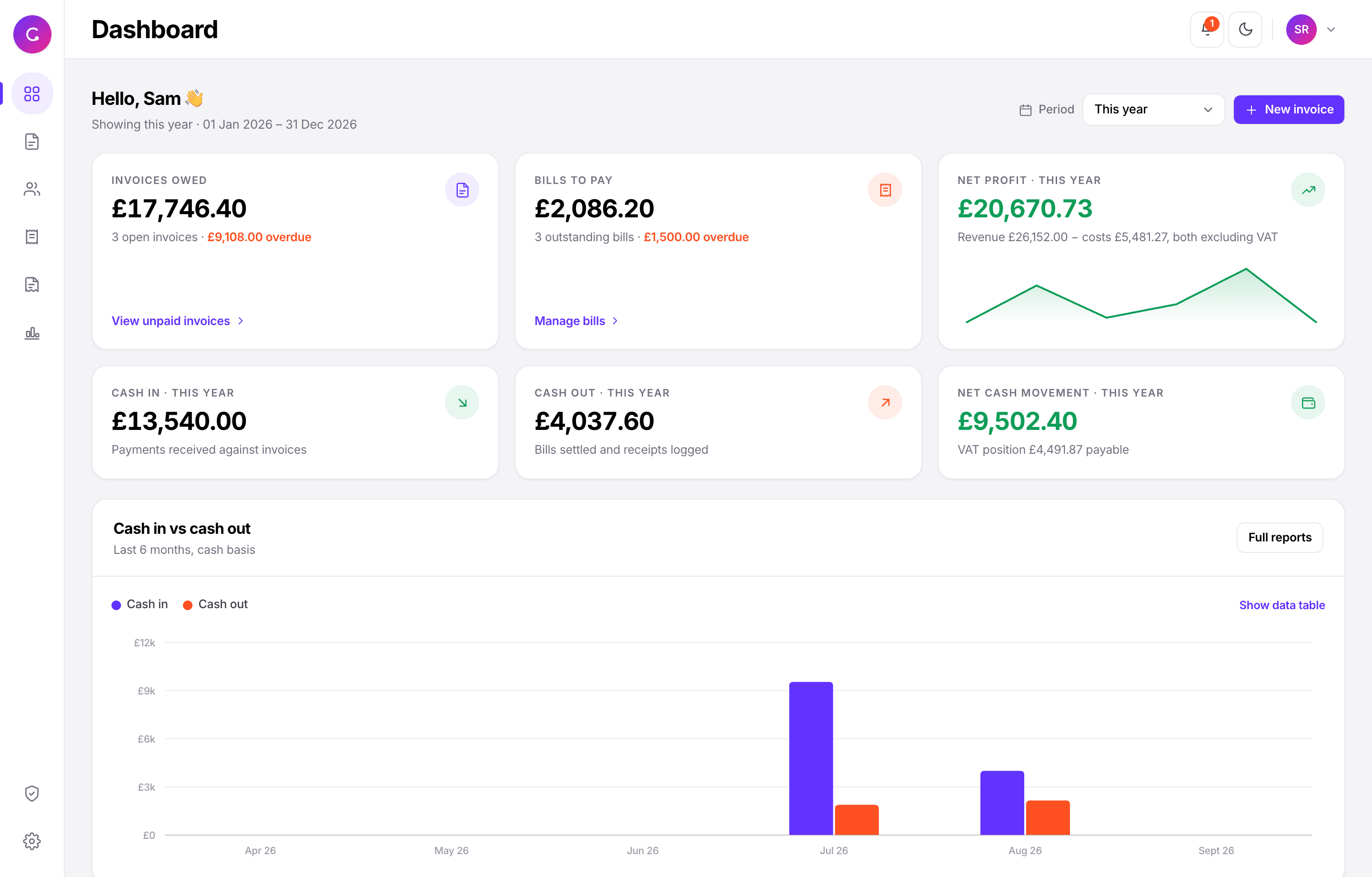
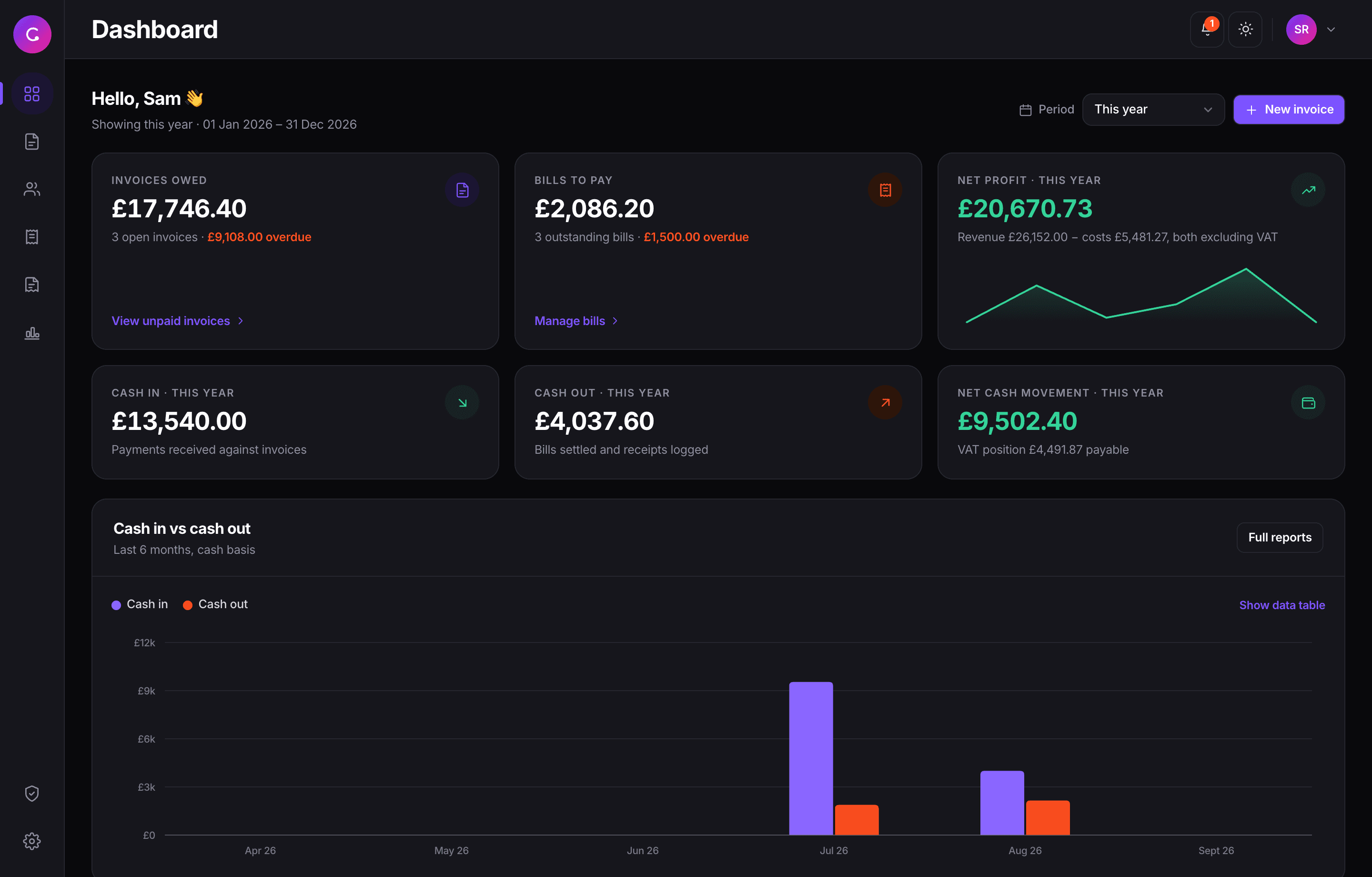
Invoices owed, bills to pay, cash in, cash out and net profit or loss, all on one screen. Accrual and cash figures are shown side by side and each one is labelled, so you're never guessing which is which.
Add staff and tick only the areas they need. Everything else disappears from their sidebar, blocks if they type the URL, and returns a 403 from the export APIs. Deactivate someone and they're signed out everywhere.
Invoicing
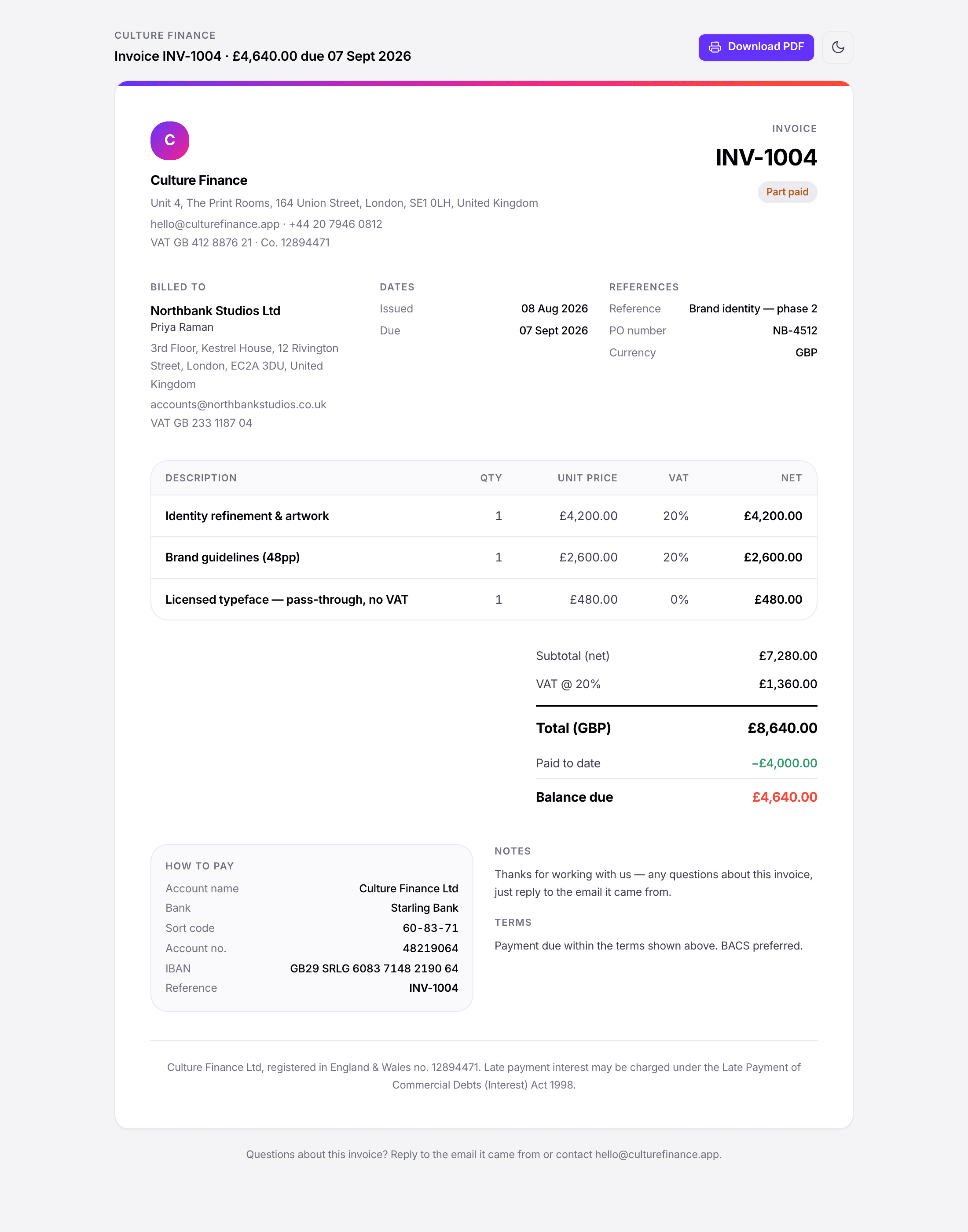
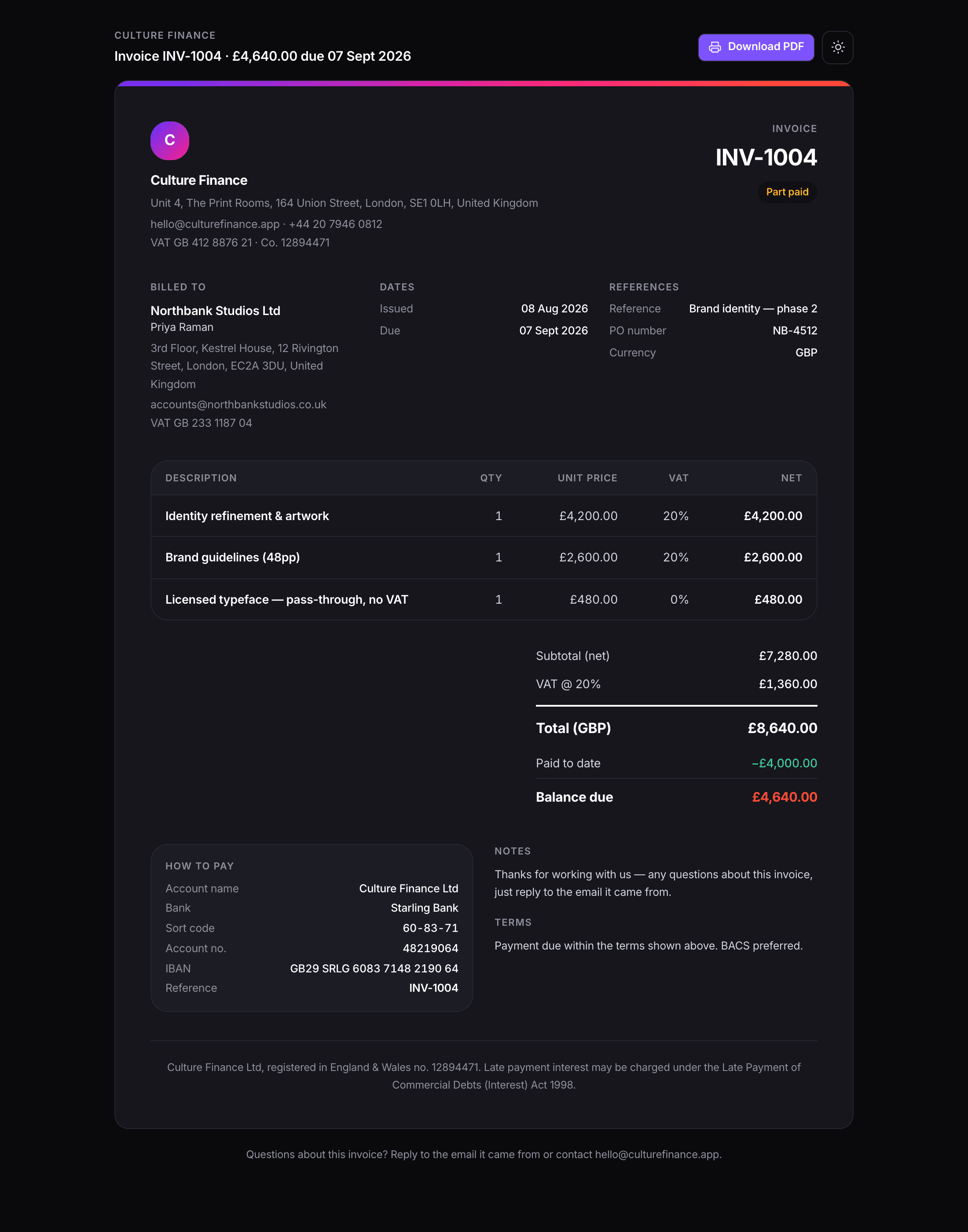
Every invoice gets its own private link. No login, no portal, no password reset email at 9pm, they click it, see the invoice, and print it to PDF if they want a copy.
Per-line VAT: with a band-by-band breakdown, as a VAT invoice needs
Bank details on the page: with the invoice number as the payment reference
Part payments: so the balance due is always right
Your logo and footer: set once in Settings and applied everywhere
Duplicate in one click: to raise next month's from last month's
Getting paid
Overdue is applied the moment a due date passes, not the next time you remember to look. Filter by when something was actually paid, not just when it was raised, so “what came in last quarter” is one dropdown away.
Chase emails: showing the outstanding balance and the days late
Reminders: on invoices, on bills, or free-standing, with a count in the header
Filter by date paid: as well as issue date and due date, over any period
A running summary: of net, VAT, gross, paid and outstanding above every list
Reports & VAT
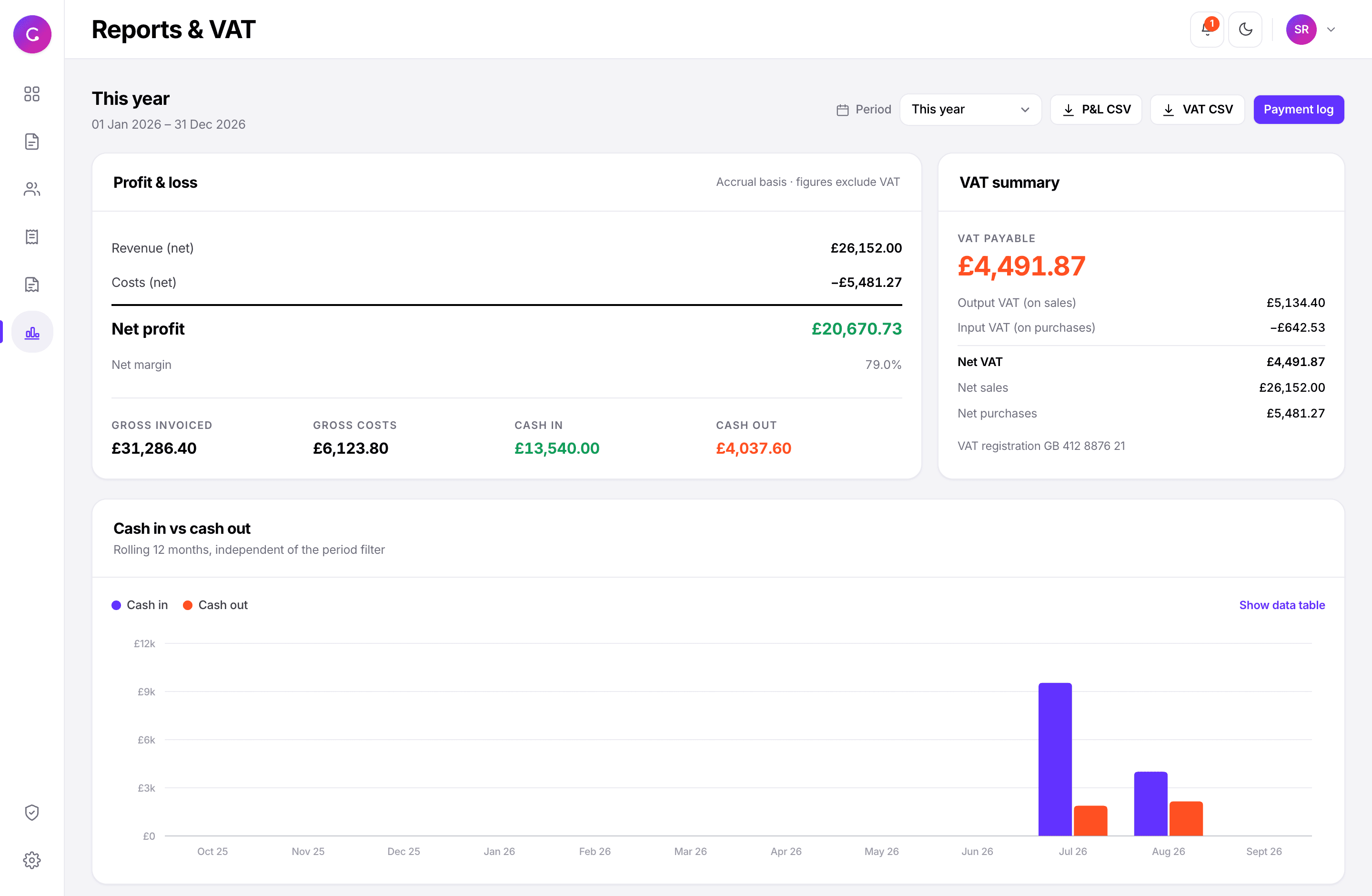
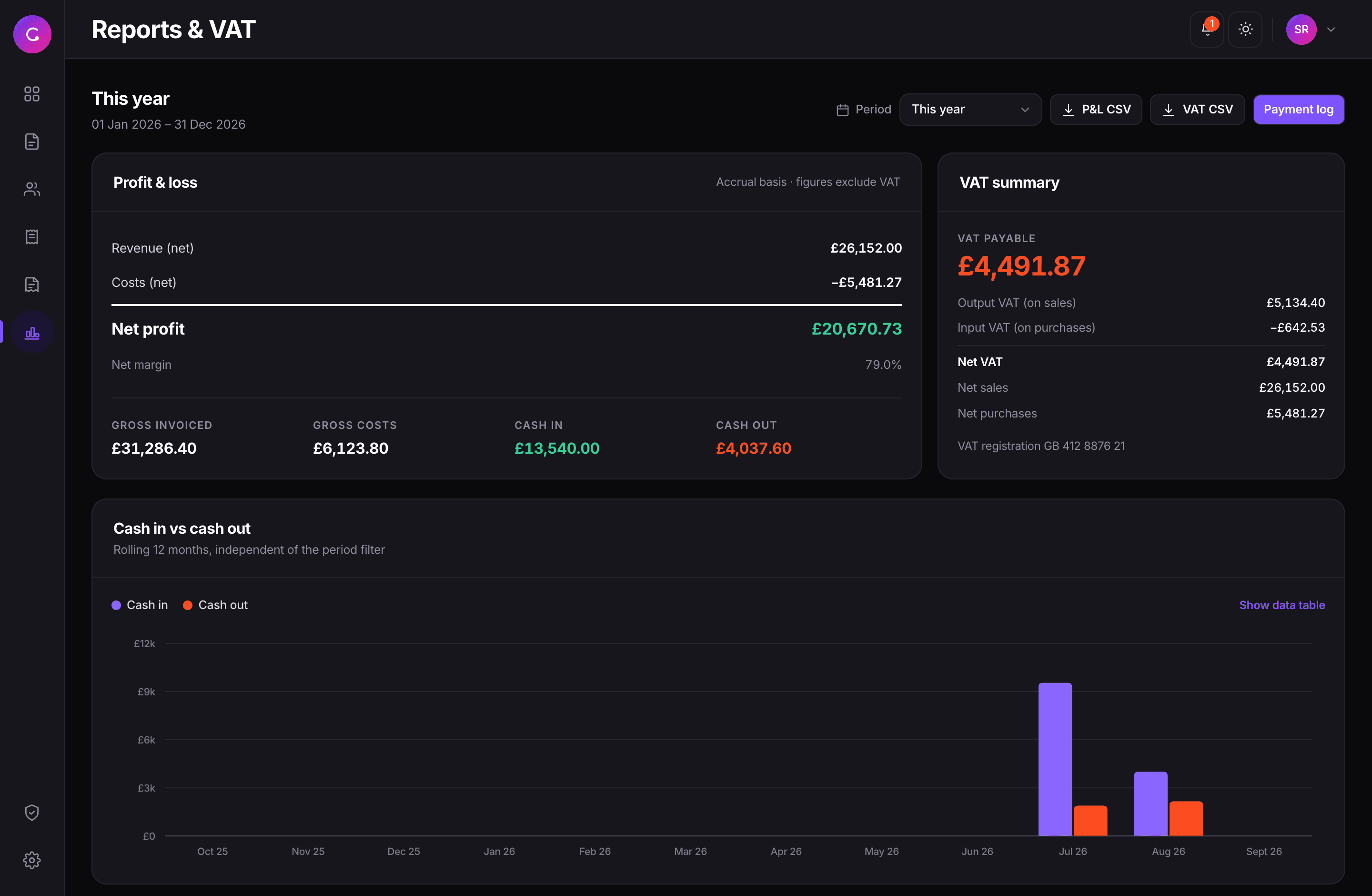
Profit and loss net of VAT, the VAT position with every transaction behind it, revenue by client, costs by category, and a rolling twelve months of cash. Then export the lot.
A VAT working paper: summary boxes, then every sale and purchase that made them
Accrual and cash, labelled: so you always know which number you're reading
Eight CSV exports: each one carrying the filters you had on screen
Any period you like: this quarter, last year, or a custom range
Included
There is only one version, and it has all of it.
What it costs
There’s no billing page because there’s nothing to bill. You run it, so you own it.
Clone the project and install. Node is the only thing you need, the database is a file that gets created for you.
npm install
npm run setup
Create your owner account, then put your company details, logo, bank details and VAT number into Settings once.
npm run dev
# → localhost:3000Add a client, raise an invoice, send it. Set SMTP when you want real emails going out, everything works before you do.
# optional, in .env
SMTP_HOST="…"
Hosting it somewhere public? Any Node host with a persistent volume works. Keep prisma/dev.db and storage/uploads/ on that volume and your backup is a copy of two paths.
Passwords are hashed: with bcrypt at cost 12, never stored or logged in the clear
Sessions live server-side: in httpOnly cookies you can revoke instantly
Receipts sit outside the web root: and are only served after a permission check
Client links are unguessable: and drafts stay invisible until you send them
Every permission is enforced twice: in the UI and again on the server route
Questions
npm run dev, and everything lives in a single SQLite file. If you want it reachable from anywhere, so clients can open their invoice links, or staff can sign in, deploy it to any host that runs Node and keep a volume mounted for the database and uploads.Set it up in the time it takes to cancel a subscription, and the next invoice you send is one you own end to end.